
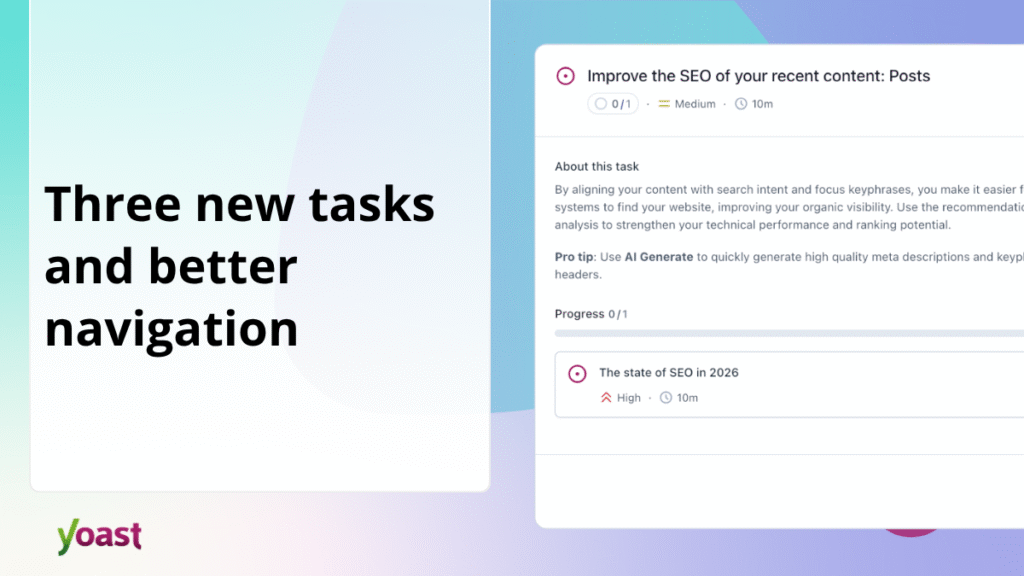
We launched Yoast’s SEO Task List in December to give you a clear, actionable to-do list for your website’s SEO. In this update, we added two new tasks, improved navigation to fixes, and fixed a bug that caused tasks to appear in the wrong language.
A quick summary: What does the to-do list do?
The Task List scans your website and displays specific content that needs attention, ordered by priority and estimated time to resolve. Instead of guessing what you need to work on next, click on a task and Yoast takes you straight to the right place to make the improvement. Think of it as a personal SEO assistant that knows your website.
What’s new in this update?
New task: Improve your meta descriptions
Meta descriptions are short snippets that appear below your page title in Google search results. They don’t directly impact rankings, but they do have a significant impact on whether someone clicks on your link. The task list now highlights recent posts where the meta description is missing or could be more descriptive and points you to where you can fix the problem. Premium users can use the AI Generate button to write one in seconds.
New task: Delete your sample page
Every new WordPress site comes with a default “sample page” that most people never delete. It offers no added value and can create unnecessary noise for search engines. The to-do list will now remind you to remove it if it is still there. It’s a two-minute job that’s easy to miss.
New task: Set social sharing images
Available with Yoast SEO Premium, Yoast WooCommerce SEO and Yoast SEO AI+
When someone shares your content on Facebook or X, the image that appears next to it can have a real impact on whether people click on it. The To Do List now reminds you to set a custom social sharing image for your posts and pages so your content looks its best every time you share it.
Go directly to the right place in the editor
Previously, when you clicked on a task, the post editor opened and you had to find the right section yourself. Now Yoast will take you to exactly the part of the editor you need: the SEO tab, the readability panel, or the meta description box. Less scrolling, faster repairs.
Bug Fix: Tasks are now displayed in your language
We fixed an issue where task descriptions were displayed in the language of the website rather than the language of the logged in user. If you manage a multilingual site or your personal language settings differ from your site’s default settings, tasks will now display correctly for you.
Also in this version
- We have added a new one Yeast Click on the “WordPress Plugins” tab, which brings together all of your installed Yoast plugins in one place. This requires WordPress 7.0+.
- We fixed a bug where alt text changes made via the inline image editor in How-To and FAQ blocks were not saved correctly in the frontend. Thanks to @param-chandarana for the report.
What’s next?
We continue to add improvements to the task list that make important changes visible specifically to your content. Paid plan users will see additional tasks in upcoming releases.
Upgrade to Yoast SEO 27.4 to get these improvements automatically or download the latest version from the WordPress plugin directory.